
Player Heads [Experimental] Experimental Add-on for Minecraft Bedrock Edition

![Icon for Player Heads [Experimental]](https://dl.foxynotail.com/downloads/add-ons/player-heads-ex/pack_icon.webp)
Player Heads [Experimental]
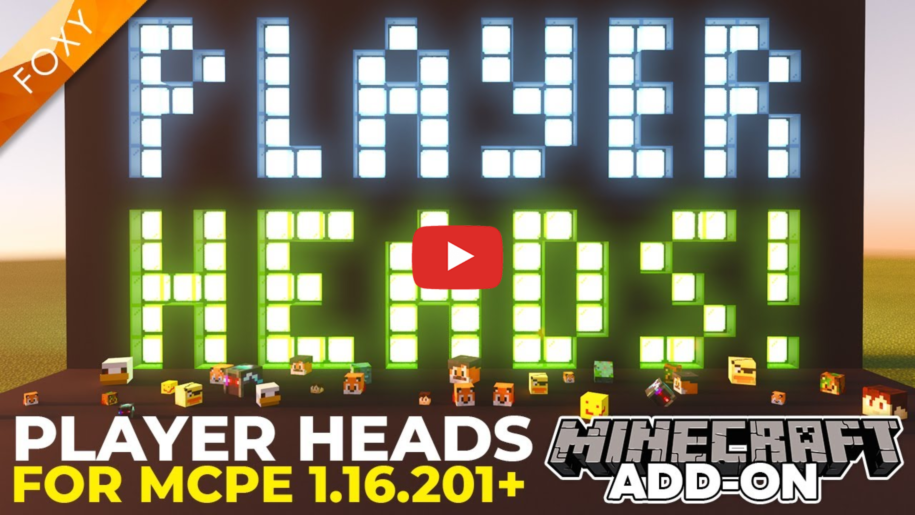
Players drop their heads when they die!
*Requires experimental features! read more...
Details
Recommended Upgrade: Use Foxy's Player Head builder on fxnt.net to make the process much simpler!
New in v1.3.0
Now supports 30 players but not compatible with previous versions of this pack!
This pack is not automatic, you need to add your own textures and set the pack up to suit your world.
I strongly suggest you watch the video for details and a full tutorial of how to setup and install the pack.
Instructions
Click here for instructions on how to install this pack
Download Latest Version:
 player-heads-ex-v1.4.1.zip
All Versions
Instructions from the Readme File
EXPERIMENTAL PACK WARNING
=========================
This won't work without the "Holiday Creator Features" Experiments Toggle selected in your world.
It will not work on realms or servers due to those not allowing experimental features.
=========================
Players drop their heads when they die.
WARNING / NOTE
==============
This pack is NOT Automatic.
It is impossible to get the skin file information and player name information on Minecraft Bedrock Edition using add-ons.
So you will have to do a little bit of manual editing of the pack to make it work for you.
Each time you update the pack with new textures or players, you will need to update the UUID numbers and the version number so that the other players download the correct pack when they join your game.
For information on how to do that, check out my addon video here: https://youtu.be/N_MJXpjOHLg
I've included enough data in the pack for up to 30 unique players.
If you need more, please follow my tutorial for how to add extra players to this pack.
HOW TO USE
==========
To get heads in survival: When a player dies, they will be given their head which can be placed in the world and positioned using dyes.
To use heads place with right click.
Pickup with shift + right click (crouch and click).
Left click to sit on the head.
Shift or Jump to get off again.
Use different colors of dyes to move the placed heads
HOW TO MAKE PLAYER HEADS USING YOUR OWN SKINS AND GAMER TAGS
============================================================
VIEW MY TUTORIAL HERE:
In the rp/textures folder there are two folders.
One is named items and one is named players.
Replace the images inside the "players" folder with your minecraft skins.
Replace the images inside the "items" folder with a 16 x 16 pixel image of your players face. (You can make these images using photo editing apps).
For both image folders, make sure you keep the file names the same. i.e. player_head_1.png, player_head_2.png etc.
In the game you will need to have access to commands to assign tags to each player.
For each player tag them with the word "player" followed by a number...
For the first player, tag them "player1" using the command: /tag gamertag add player1
For example, for me, the command would be...
/tag foxynotail add player1
For the second player, tag them "player2".
For example, if it was my friend Big Chicken, the command would be...
/tag BigChickenXX add player2
For the third player, tag them "player3".
For example, if it was another friend Mr Onion, the command would be...
/tag "Mr Onion" add player3
Do this for all of your players.
If you want the player heads to have the right names in game, change the "en_US.lang" language file inside "rp/texts"...
Example:
item.fxnt_ph:player_head_1.name=FoxyNoTail
entity.fxnt_ph:player_head_1.name=FoxyNoTail
If you need more than 30 players then you will need to add more textures and also more entity files inside the behavior pack and resource pack folders.
View my tutorial on YouTube for how to do this.


