Mini Blocks Add-On
Craft over 400 tiny blocks, then place them, wear them or hide in them.
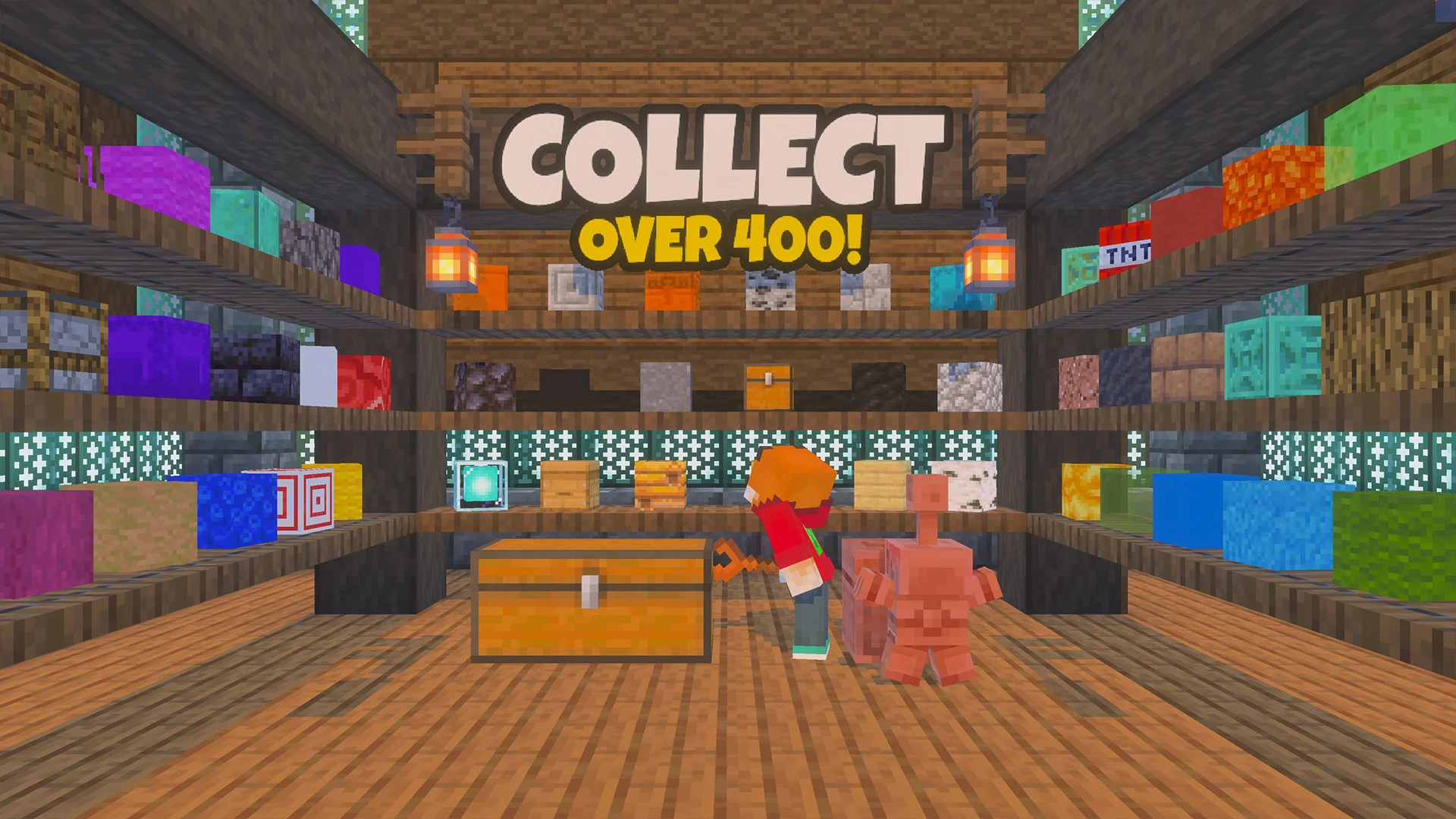
Turn blocks into 400+ Mini Blocks. Place them as decoration, wear them as helmets, or sneak into one to play hide and seek.
| Latest Version | 8.0.0 |
|---|---|
| Release Date | 9 October 2026 |
| Minecraft Platform | Bedrock Edition |
| Minecraft Version | 1.21.120 |
| File Size | 1.8MB |
| Total Downloads | 147,023 |
By downloading, you agree to the EULA. This file is © FoxyNoTail. You can use it in your own worlds, Realms, videos and streams, and edit it for your own use, but please don't re-upload or share the file itself (share a link to this page instead) or use it on a server that makes money, unless its page says otherwise.
Minecraft Version is the version this pack was made in; it probably still works in the current version. Not sure? Ask on Discord.
Screenshots
Videos


Make your own Minecraft skin pack in minutes: add skins, preview in 3D, download a .mcpack. Free, nothing uploaded.
Make a skin pack Play with friends on your own server
I host all my Minecraft servers on Nodecraft. Bedrock & Java, add-ons supported, set up in minutes.
Get a serverPartner link: supports Foxy at no extra cost to youAbout
Mini Blocks shrinks Minecraft's blocks down to tiny versions you can collect, build with and wear.
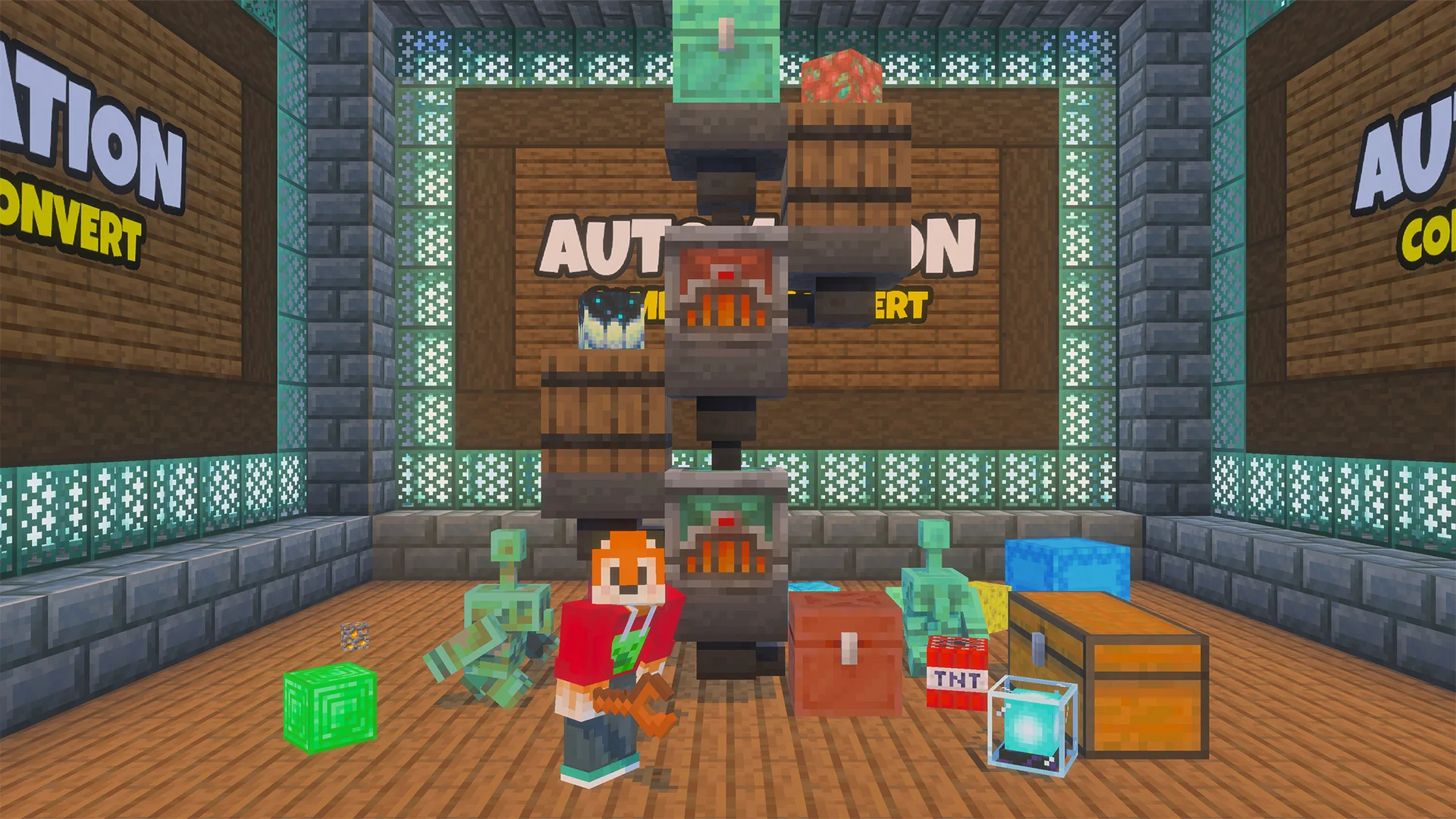
You make Mini Blocks in two custom machines.
The Mini Block Compactor turns an ordinary block into a placeable Mini Block, using fuel such as blaze rods, coal, charcoal or bamboo.
The Mini Block Converter turns a Mini Block into a Mini Block Helmet you can wear on your head. Both machines can be automated with hoppers, which you switch on in each machine's settings.
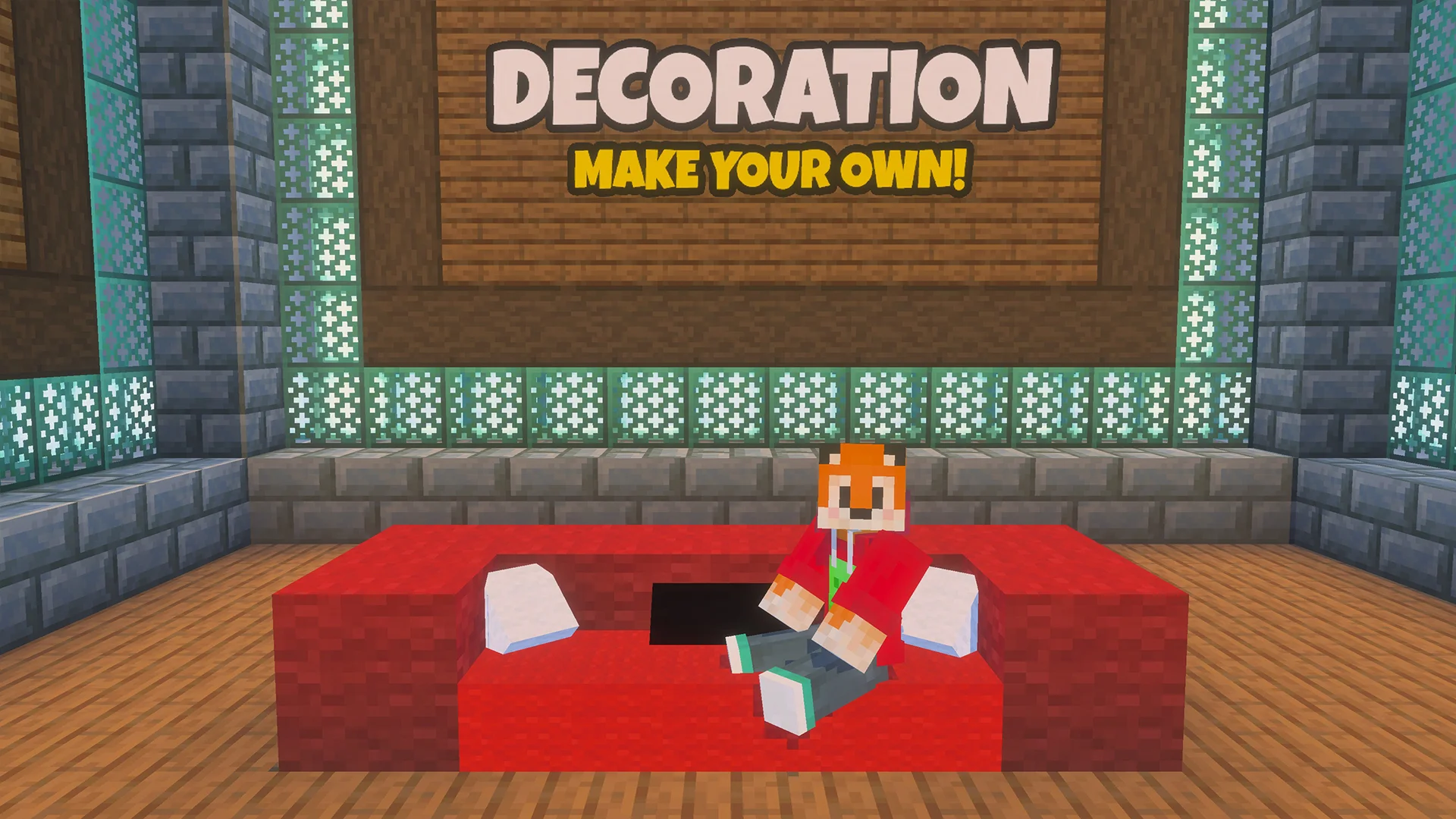
Placed Mini Blocks make small, detailed decoration. Use the Mini Block Wrench to lock them, adjust them, pick them up again or change how you edit them. Helmets have an armour value of 1 and 100 durability, can be enchanted, and can be repaired on an anvil with the original block.
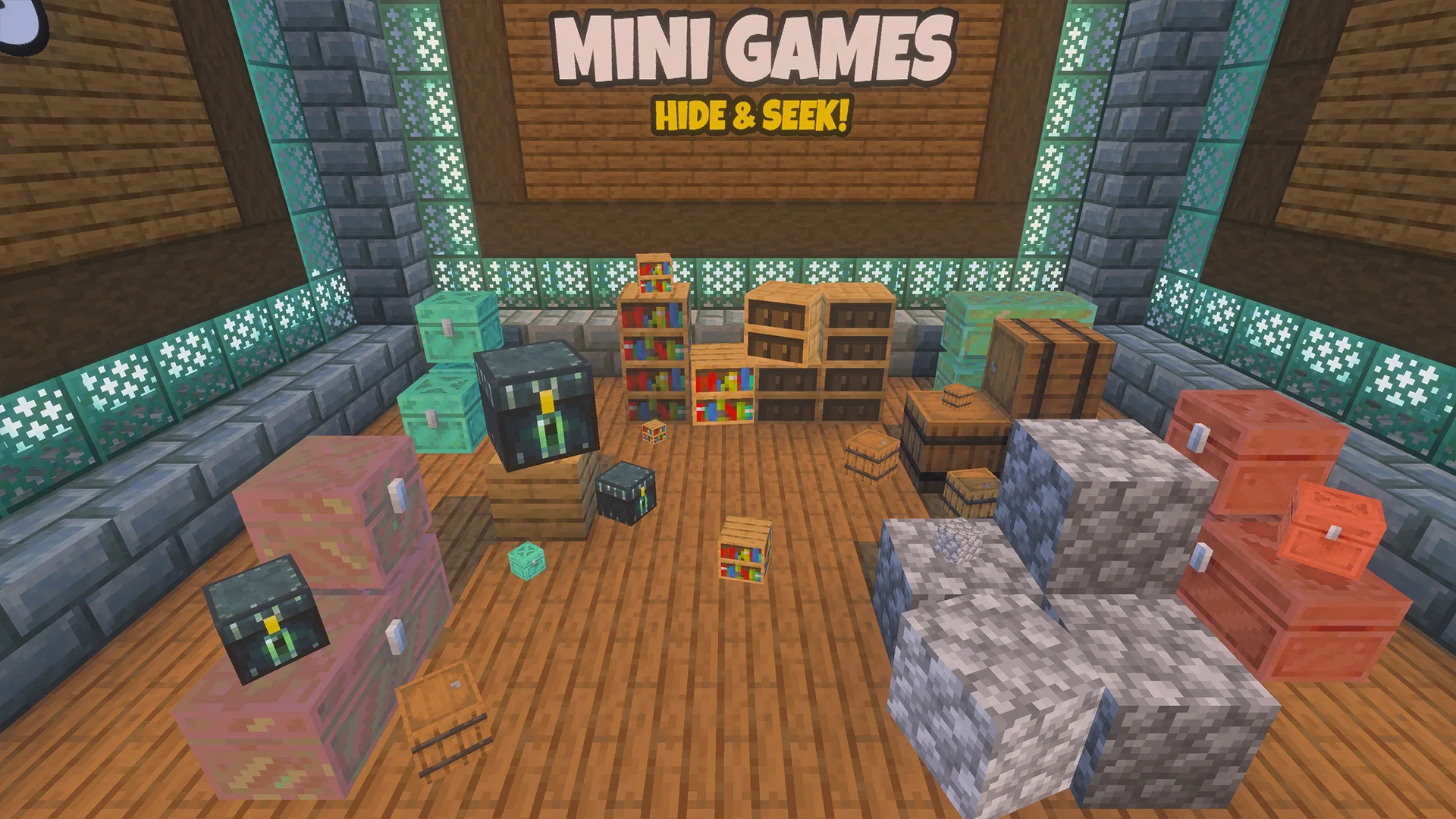
Mini Blocks also make a simple hide and seek game. With effects switched on, a player wearing a helmet who sneaks becomes invisible and a Mini Block appears at their feet. They can still move while sneaking and turn back to normal when they stop.
Administrators can turn the effect off from the wrench menu.
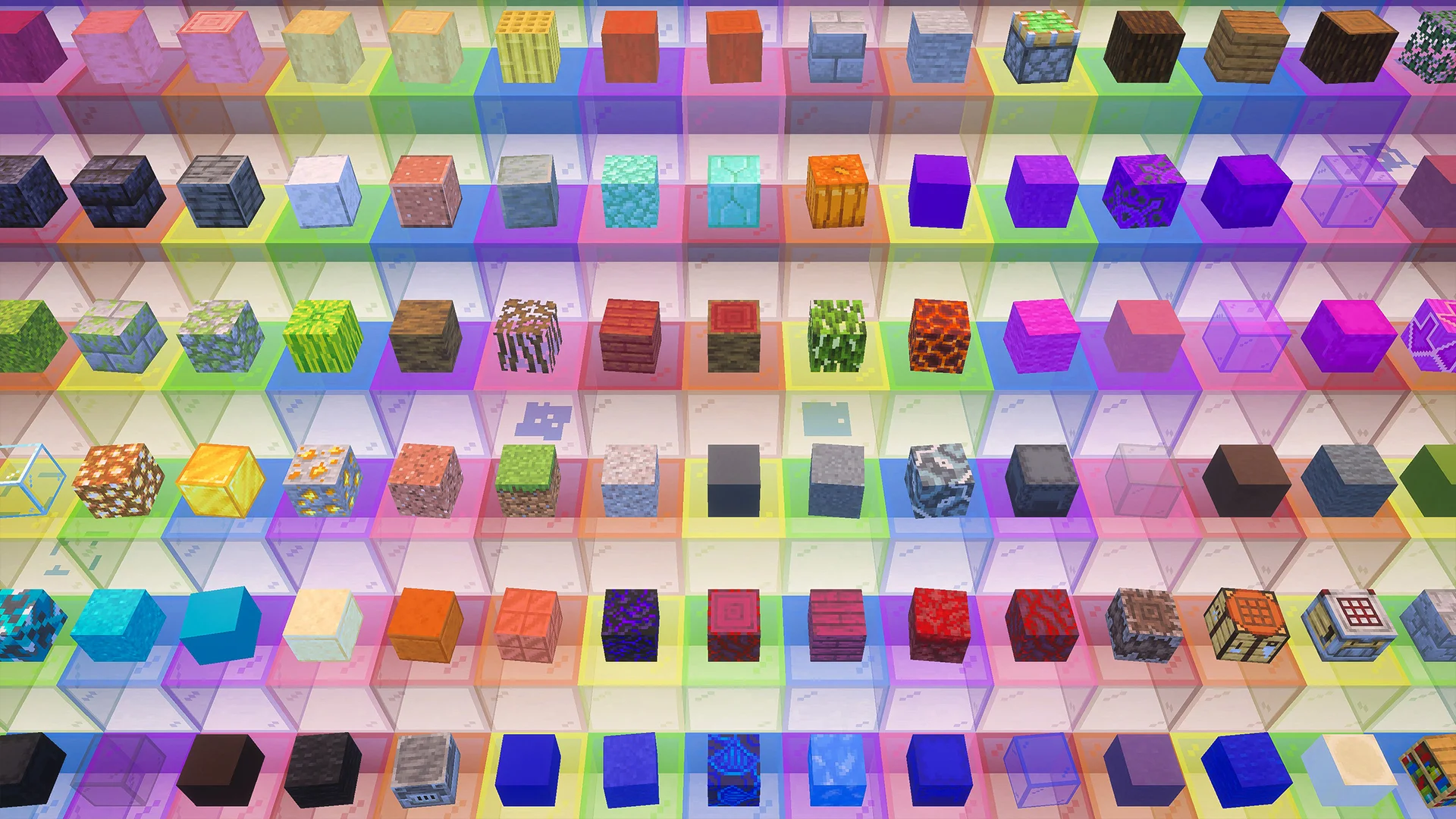
There are more than 400 different Mini Blocks, covering woods, stones, ores, metals, wool colours, glass and more. An in-game guide, opened from the wrench menu, explains every machine and setting. A guidebook is also given to each player the first time they join a world.
Mini Blocks is for builders who like small-scale decoration, redstone and hopper tinkerers, and anyone running hide and seek or other mini games with friends.
Features
- More than 400 Mini Blocks to collect
- Mini Block Compactor turns blocks into placeable Mini Blocks
- Mini Block Converter turns Mini Blocks into wearable helmets
- Sneak while wearing a helmet to turn invisible and appear as a Mini Block, ready for hide and seek
- Mini Block Wrench to lock, adjust and pick up placed Mini Blocks
- Hopper automation for both machines, off by default and switchable per machine
- Helmets can be enchanted and repaired on an anvil
- Built-in guide and a guidebook for every new player
How to install
- Download the .mcaddon file from this page.
- Open the file. Minecraft starts and imports both packs (Behavior Pack and Resource Pack) automatically.
- Create a new world or edit an existing one.
- Open Behavior Packs and activate Mini Blocks. Then open Resource Packs and activate Mini Blocks.
- Load the world. You will receive a guidebook the first time you join.
- Craft a Mini Block Compactor to start making Mini Blocks.
More help: see the How-To guides
What's new in v8.0.0
Readme
==========
Trade with the Wandering Trader to get the mini blocks in survival.
To use the mini blocks place with right click.
Pickup with shift + right click (crouch and click).
Left click to sit on the block.
Shift or Jump to get off again.
Adjust the position / rotation of the mini blocks with different colors of dye.
KNOWN ISSUES
===============================
Known Issues:
1. TP Issues
Moving Mini Blocks is glitchy due to how teleporting entities is handled.
If the mini block doesn't move when adjusted, re-log to see it has moved properly.
2. Trading Issues
Due to how nbt block data is stored, sometimes if you break a directional block like an observer or dropper, it will have a different data value to the ones the wandering trader wants to buy, so they might be incompatible.
Try to use freshly crafted items (not placed / broken) if possible to avoid these issues.
ADJUSTMENTS
===========================
Click with a dye to make adjustments to the mini blocks.
Change Scale:
Micro: White Dye
Mini [Normal]: Grey Dye
Large [Full Block Size]: Black Dye
Rotate:
Rotation Align: Red Dye
RotateX: Green Dye
RotateY: Blue Dye
RotateZ: Yellow Dye
Position:
Position X: Orange Dye
Position -X: Brown Dye
Position Y: Pink Dye
Position -Y: Purple Dye
Position Z: Lime Dye
Position -Z: Cyan Dye
_BLOCKLIST_
All Versions (13)
| Version | Released | Minecraft | Size | Downloads | |
|---|---|---|---|---|---|
| 8.0.0 Latest | 9 Oct 2026 | 1.21.120 | 1.8MB | 385 | Download |
| 7.4.1 | 20 Sep 2023 | 1.20.30 | 1.0MB | 16,326 | Download |
| 7.4.0 | 7 Jun 2023 | 1.20.0 | 1.0MB | 2,584 | Download |
| 7.3.2 | 23 May 2023 | 1.19.83 | 954.1KB | 594 | Download |
| 7.2.6 | 8 Feb 2023 | 1.19.60 | 957.2KB | 2,869 | Download |
| 7.2.5 | 26 Oct 2022 | 1.19.40 | 956.4KB | 3,031 | Download |
| 7.2.4 | 21 Sep 2022 | 1.19.30 | 957.0KB | 2,123 | Download |
| 7.2.3 | 21 Sep 2022 | 1.19.30 | 956.3KB | 1,615 | Download |
| 7.2.2 | 11 Aug 2022 | 1.19.20 | 956.2KB | 1,031 | Download |
| 7.2.1 | 13 Jul 2022 | 1.19.10 | 956.8KB | 2,263 | Download |
Advertisement | |||||
| 7.2.0 | 6 Jun 2022 | 1.19.0 | 957.0KB | 2,850 | Download |
| 7.1.1 | 20 Apr 2022 | 1.18.30 | 920.4KB | 1,696 | Download |
| 7.1.0 | 20 Apr 2022 | 1.18.0 | 920.1KB | 1,785 | Download |
 Get notified about new packs
Join the Discord for update announcements, help and sneak peeks.
Join DiscordRequirements
| Minecraft version | 1.21.120 or later |
|---|---|
| Platforms | All Bedrock platforms |
| Players | Single player or multiplayer |
| Category | Decoration |
Uses the stable scripting modules, so no experimental toggles are needed. Both the Behavior Pack and Resource Pack must be active. The Compactor needs iron ingots, chiseled copper, a furnace and a piston; the Converter uses oxidized chiseled copper in place of chiseled copper.