Worlds
Minecraft Bedrock worlds and maps by FoxyNoTail and 2-Tail Productions on the Minecraft Marketplace.
Choose which mobs can’t break blocks, take items or change the world - without turning off everything.
Open the maker24 downloads
Make your own Minecraft skin pack in minutes: add skins, preview in 3D, download a .mcpack. Free, nothing uploaded.
Make a skin pack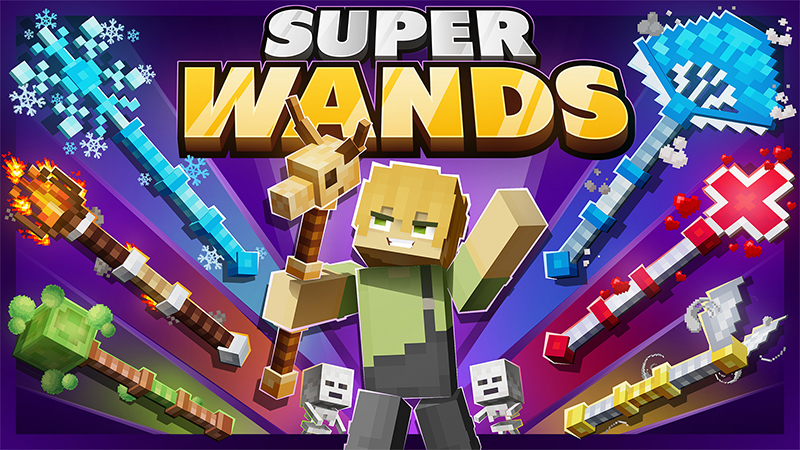
Super Wands
Introducing Super Wands – 25 super magical wands, each with crazy cool powers! Freeze mobs, blast fireballs, call down lightning, and so...
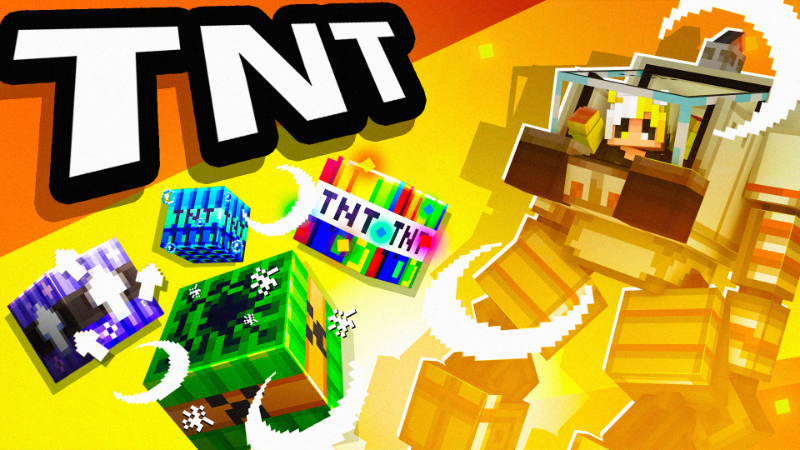
TNT
Gear up for a BOOM-Tastic adventure, young explorers! Want to create mind-blowing explosions that are totally out of this world? Whether...
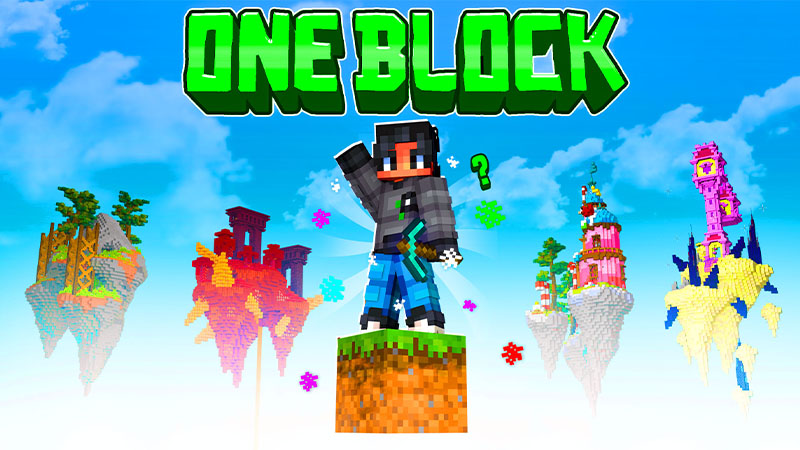
OneBlock
Get ready for a super cool adventure! Dig into a magical world with a block that comes back every time. Discover islands, find treasures,...
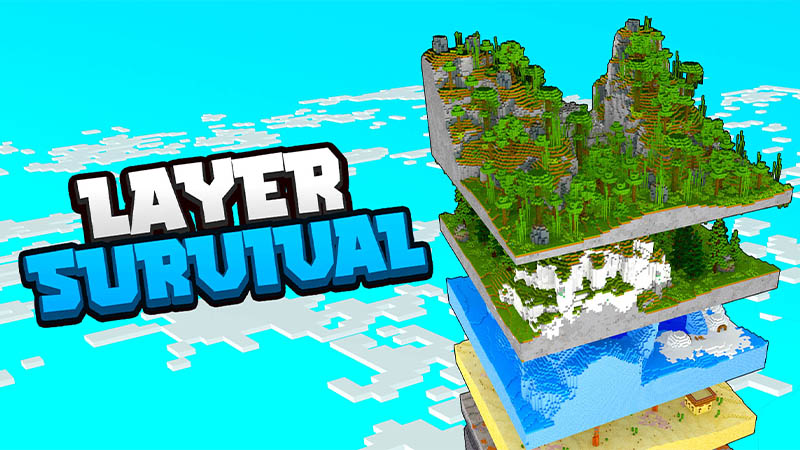
Layer Survival
Fed up with the usual side-to-side survival routine? Brace yourself for a thrilling change with Layer Survival! Turn your gaming world up...
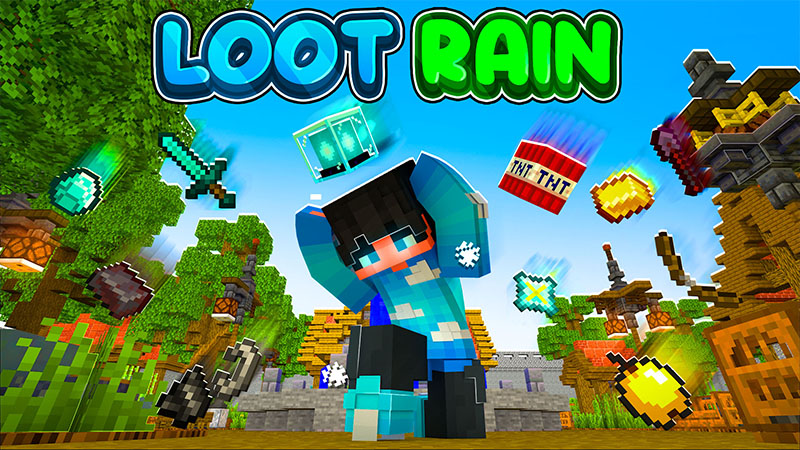
Loot Rain
Get ready to explore Loot Rain, where it can rain overpowered items! Dive into this enchanting place and discover precious surprises fall...
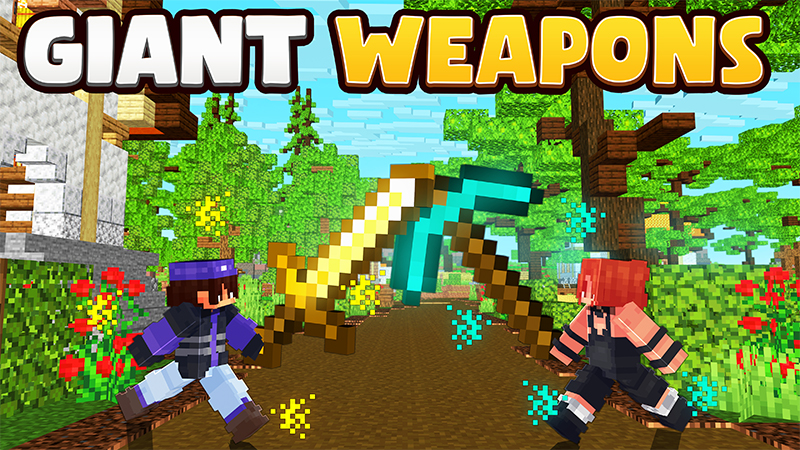
Giant Weapons
Can you picture a world where weapons are super-sized for epic adventures? Well, get ready to step into the action! Grab these big weapon...
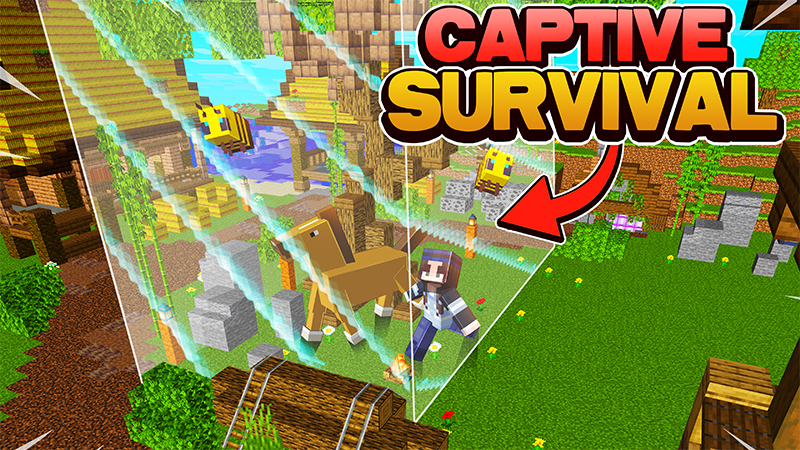
Captive Survival
Ready to tackle the ultimate challenge? Dive into an exciting survival game, conquer achievements, and craft op items! But here's the twi...
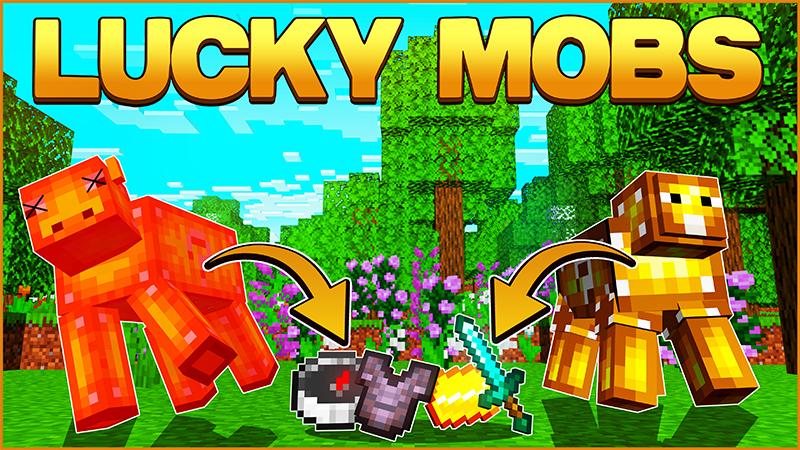
Lucky Mobs
Get ready for an awesome adventure with Lucky Mobs – these cool creatures with question marks on them have amazing golden treasures. Join...
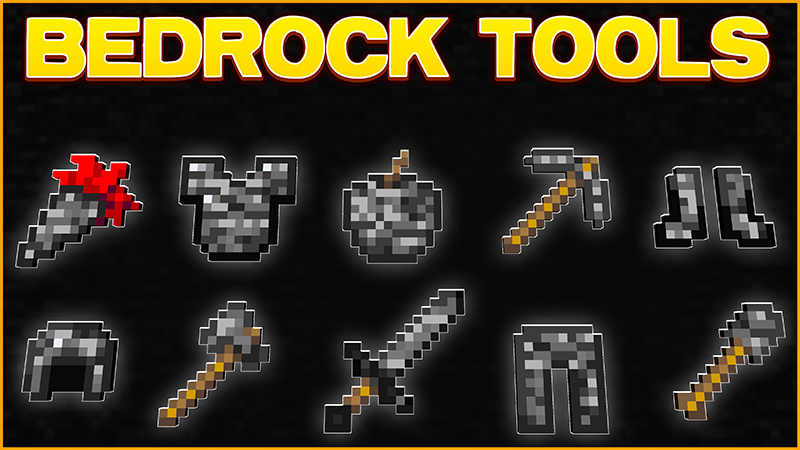
Bedrock Tools
Craft and conquer with Bedrock Tools! Power up your survival journey with their special abilities and become the ultimate champion! + Big...
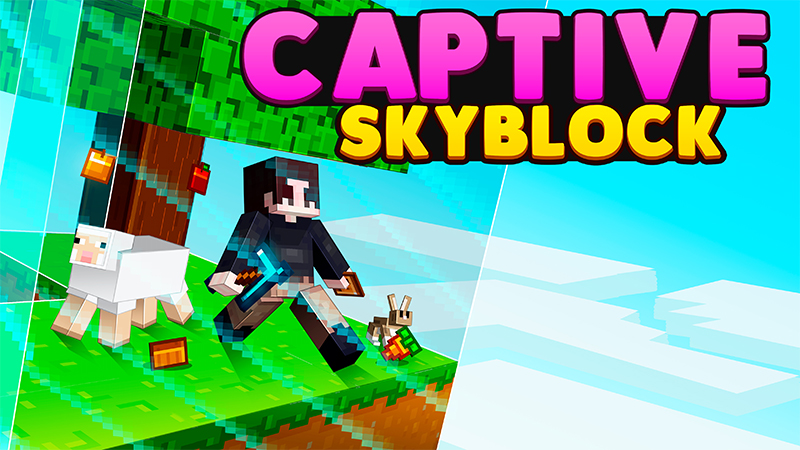
Captive Skyblock
Get ready for a super cool twist on Skyblock, just for you! As you finish special challenges, the border will start growing, keeping you...
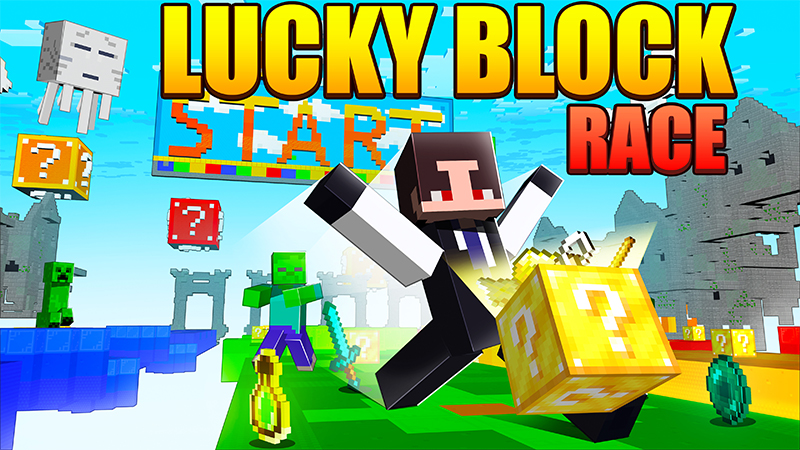
Lucky Block Race
Looking for an awesome mini-game map? Well, look no further because this map is perfect for you! Race your way to victory as you dash to...
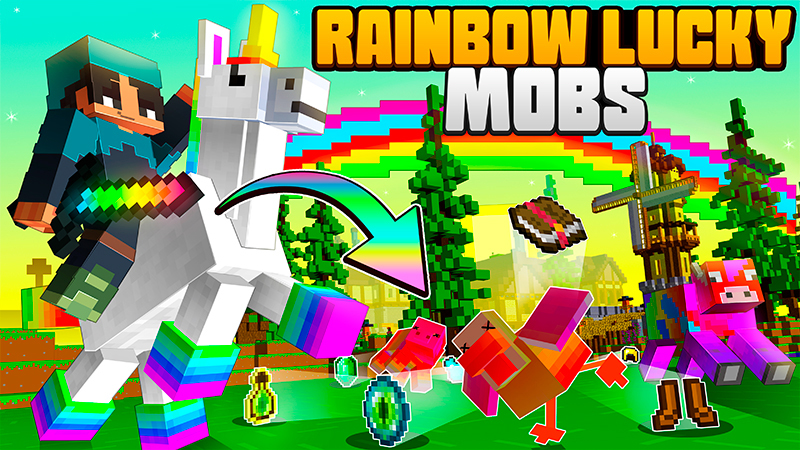
Rainbow Lucky Mobs
Embark on a mesmerizing journey to a realm where mobs have metamorphosed into radiant rainbow creatures. Glide gracefully on the back of...
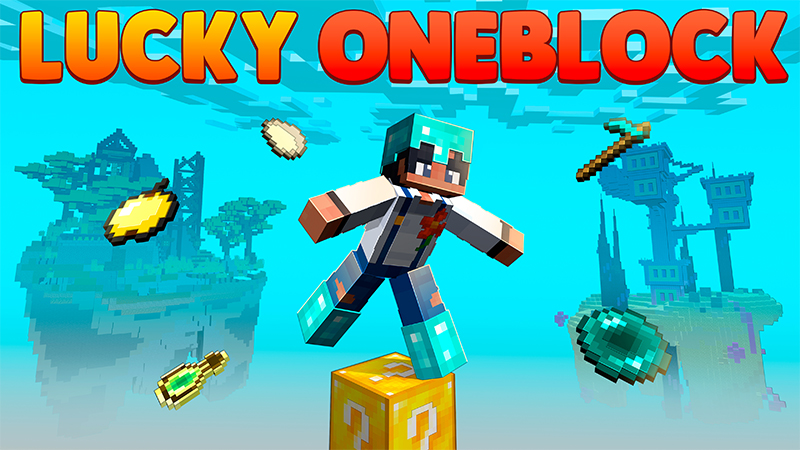
Lucky Oneblock
Get ready for an amazing journey full of surprises! Smash open lucky blocks and discover all the cool things inside. But watch out,you ne...
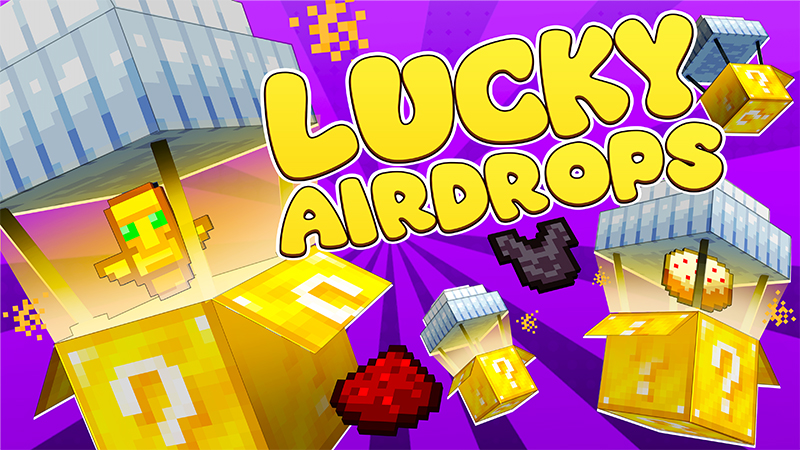
Lucky Airdrops
Guess what's falling from the sky? ]It's the Lucky Airdrops! Get super excited to make your survival journey even more awesome by grabbin...
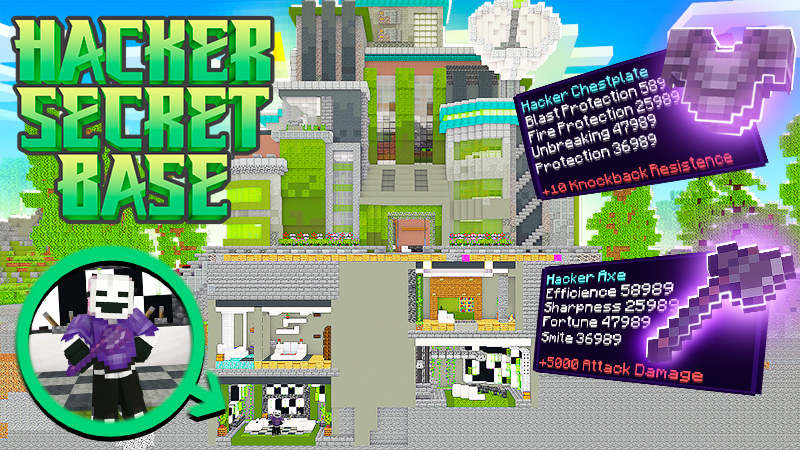
Hacker Secret Base
Welcome to your very own secret bunker, where adventure awaits! Become the ultimate hero as a super cool hacker, donning incredible OP ar...
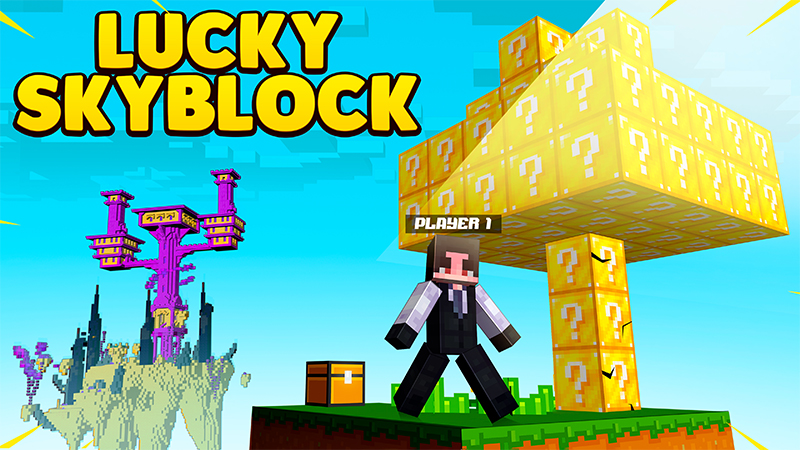
Lucky Skyblock
Embark on a magical island adventure, gather resources, and create your dream paradise! Find lucky blocks, unlock surprises, and fuel you...
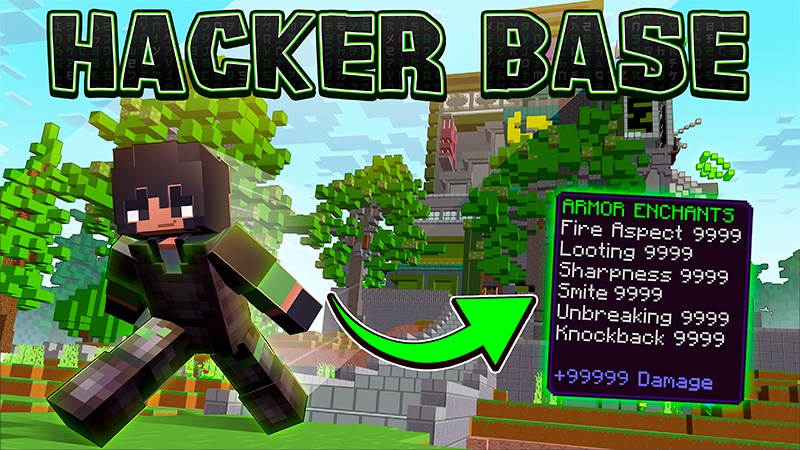
Hacker Base
Establish your hacker's den and fortify it with items imbued with potent hacker enchants, ensuring unparalleled protection! Crush any nea...
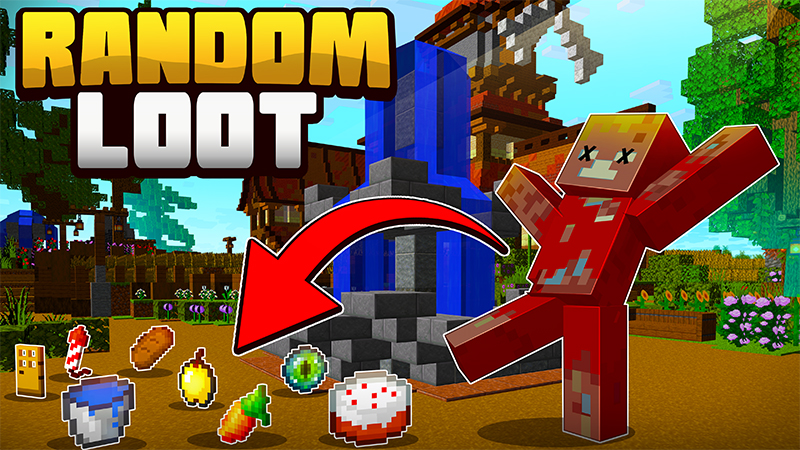
Random Loot
Ignite the thrill and embrace the element of surprise in your survival world with Random Loot! Dive into a realm where every mob holds a...
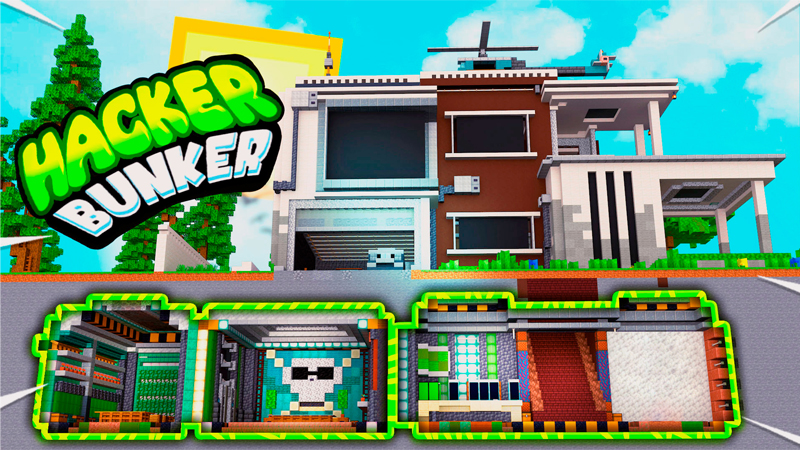
Hacker Bunker
Embark on an incredible adventure inside your secret underground hideout and gear up with super cool hacker weapons to protect yourself f...
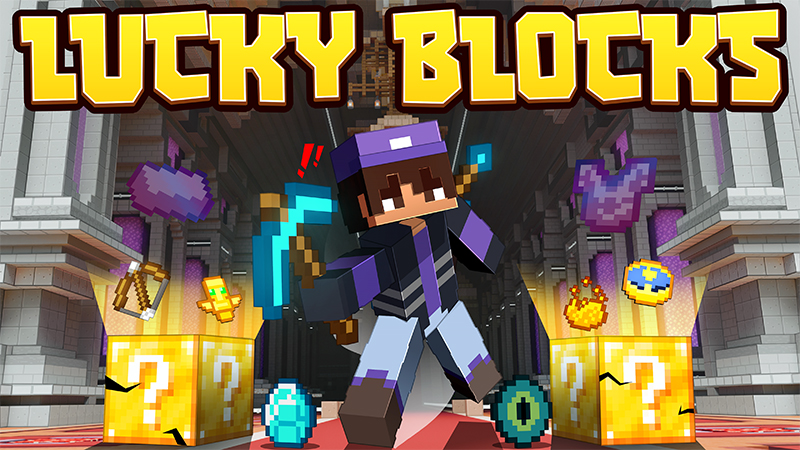
Lucky Blocks
Lucky Blocks are exceptional blocks that yield unpredictable results. Embrace the element of chance and uncover the hidden surprises with...
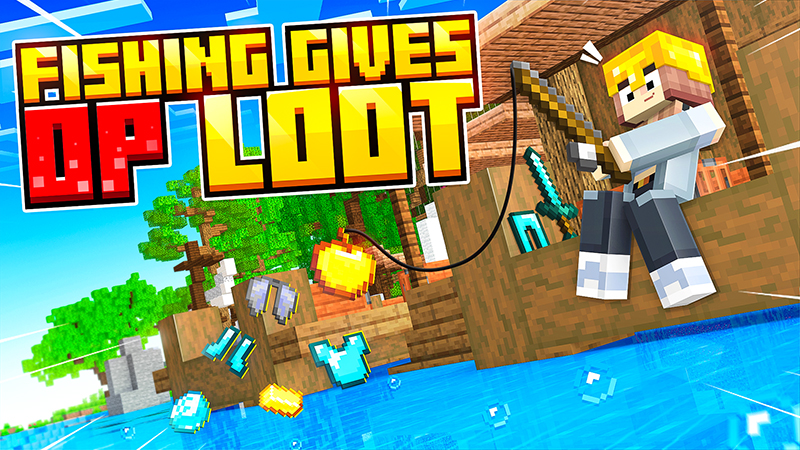
Fishing Gives OP Loot
Inject some exhilaration into your survival realm as you reel in mind-blowing loot through the art of fishing! Prepare for an adrenaline-...
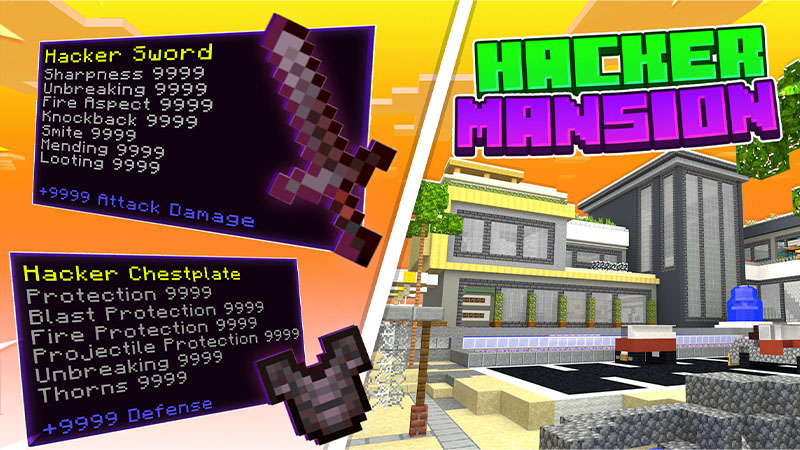
Hacker Mansion
Embark on the ultimate adventure with Hacker Mansion! Prepare to explore big rich mansions and unlock unimaginable power within. Each man...
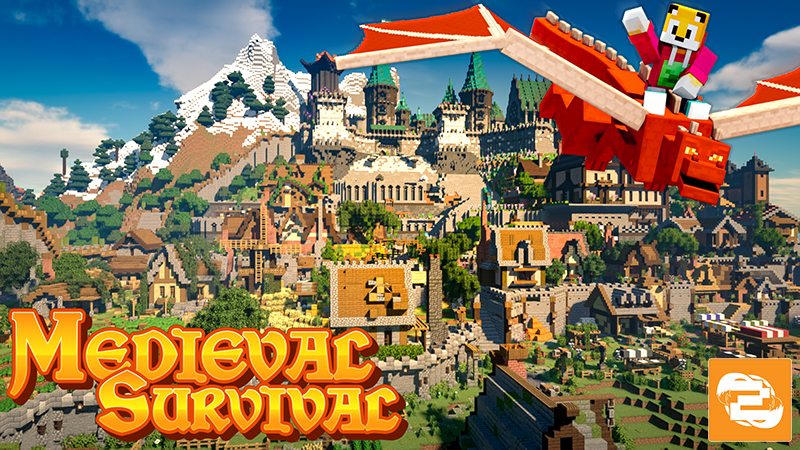
Medieval Survival
Explore the castle, test your skills in the battle arena, or simply stroll through the farms and houses. Hidden throughout the city are u...
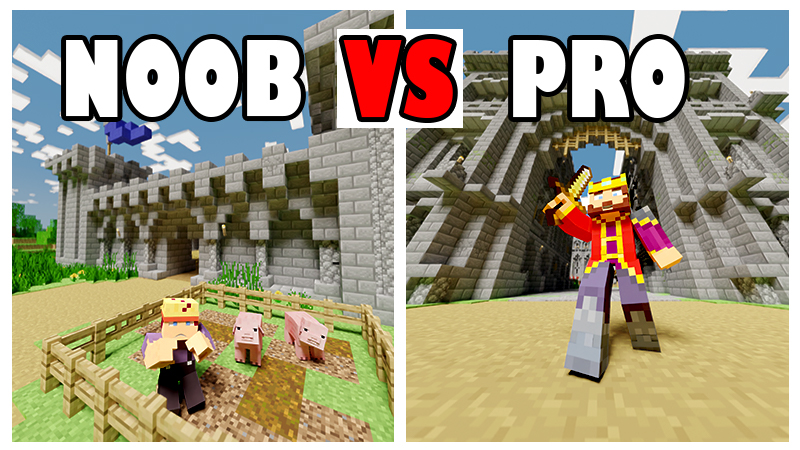
Noob vs Pro : Castle Edition
Become a noob or pro player! Your Castle adventure will be amazing! Explore the area, choose your favorite castle, go mining and survive...
Helpful Videos



Help
How to install add-ons & packs
Dealing with Zip files...
Most of the downloads on this site will be in the form of a .zip file.
The zip file is a compressed folder normally containing a readme file, a licence agreement and the add-on or pack you've downloaded.
First you'll need to open or unzip the zip file somewhere onto your PC or device.
On Windows, you can use Microsoft's built in zip tool, or you can download a zip tool from the internet.
I recommend 7-zip as it's free, fast and lightweight.
On mobile you might want to look at downloading a file manager if you don't have one available.
On console you can download the pack to either a phone or your PC and follow the steps below...
Installing on Windows and Mobile
Once you have extracted the zip file, the simplest way to install the add-on or resource pack is to open the .mcaddon, .mcpack, .mcworld, .mctemplate file and let Minecraft install it automatically.
For older packs without a zip file, just open the file you downloaded and Minecraft should load up and install it for you.
If Minecraft doesn't launch when you try to run that file, you should probably ask Google for help!
Installing on Console...
You can no longer install packs and add-ons directly on to consoles, instead you'll need access to a Minecraft Realm and a version of Minecraft on Windows or Mobile.
Follow the procedure above to install the add-on or pack to your Windows or Mobile version of Minecraft and then add the pack to a new world or a world you want to use on your console.
If you want to use multiple packs, install them all and then add them all to the same world.
Upload that world to your realm and then download that world from your realm on your console.
Add-on Conflicts
Some add-ons just won't work with other add-ons!
This is normally because the conflicting add-ons require at least one of the same file. Only one of the add-ons can run in this situation which will make the conflicting add-ons seem broken.
To resolve this you can try to combine the packs, which is quite difficult for beginners, or download a combination pack that contains both conflicting packs, if one is available from the downloads section.
What are Experimental Features?
Experimental features are additional game features for Minecraft Bedrock Edition, that are still under development by Mojang.
They can include new blocks, items and entities but they are mainly for developing third party content such as add-ons, resource packs and maps for the Minecraft Marketplace.
They exist for the developers to be able to receive feedback from the public in order to test them and get them ready for production.
Not all experiments will make it into the stable release of the game as they may be determined to be unreliable or unsuitable.
Newer experiments are likely to change during development which can have adverse affects on add-ons and worlds which use them.
There are various experiments that are available to be toggled within your Minecraft world settings.
Each experiment contains different features that might be required for certain add-ons and maps.
You can enable experimental features on Minecraft worlds, realms and servers and use them in single player and multiplayer.
Are they dangerous?
Not all experiments are dangerous. Some have been around for a long time and are considered relatively stable.
Newer experiments are more likely to cause unpredictable results in your game which could lead to crashes or world corruption, but this is unlikely.
Always proceed with caution though! Make backups before enabling experiments on any of your worlds.
Why are some add-ons and packs Experimental?
There are a lot of add-on features within the experimental features that are not available within the stable version of the game.
Due to the popular demand of these features, I decided to add some of them into my packs to make my packs more effective and more enjoyable.
How to enable Experimental Features?
For single player worlds, you can toggle them within the world settings screen.
For realms and servers you can check it out on YouTube:
How to enable EXPERIMENTAL MODE on REALMS & SERVERS
Still stuck? Ask on Discord.