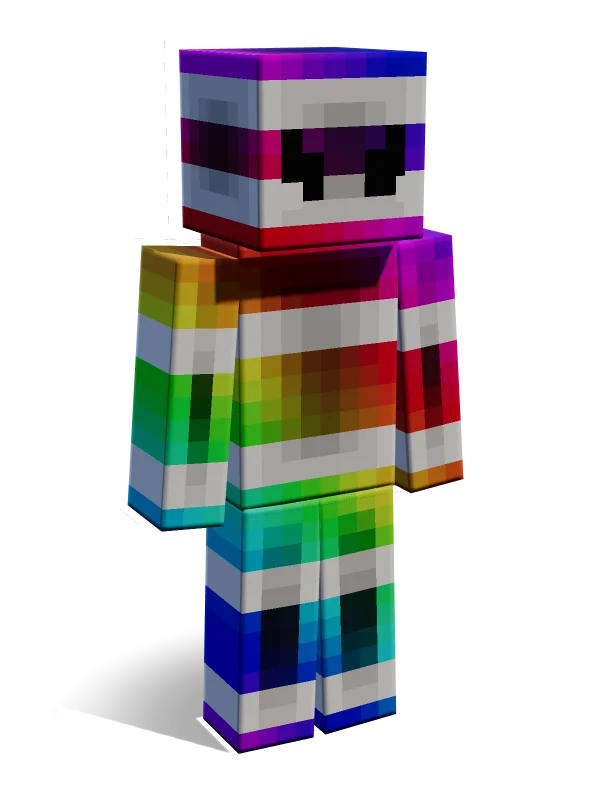
Phoenix
Rainbow Patchwork White Robot Astronaut
from Rainbow Trends
310 Minecoins for the whole pack
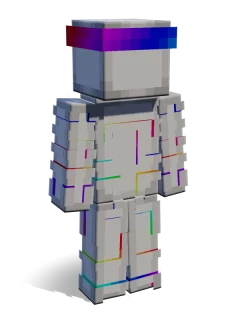
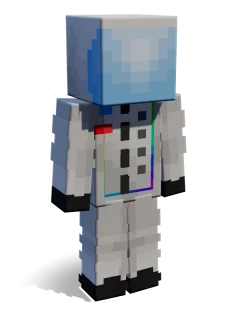
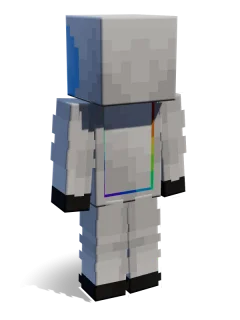
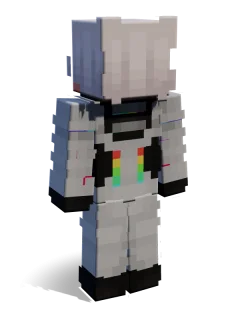
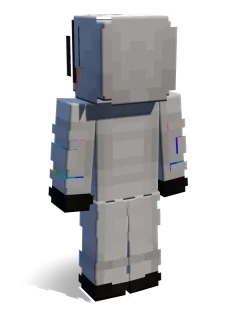
A white and grey helmeted figure covered in patches of bright rainbow colours with a dark visor.
About this skin
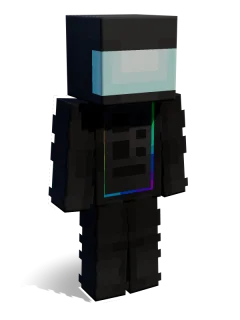
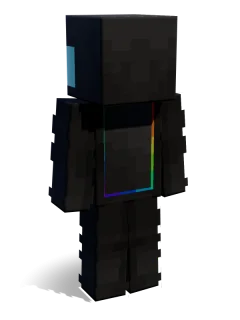
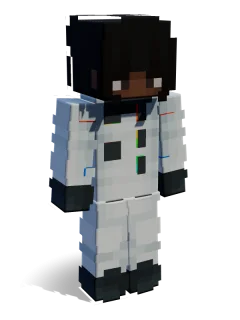
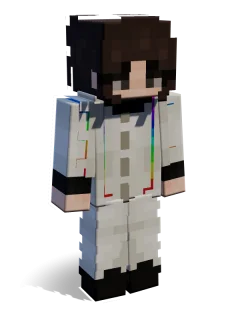
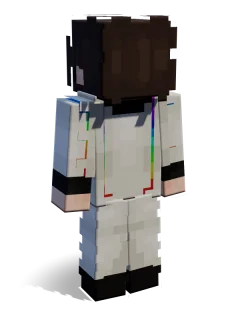
Phoenix looks like a spacesuit that has been splashed with neon paint, with rainbow patches across the arms, chest and legs over a pale grey base. The dark visor adds a mysterious touch to an otherwise bright outfit. It suits sci-fi roleplay, space servers and anyone who wants a loud, glitchy look. Pair it with Daisy for a bright and dark contrast.
| Arms | Slim |
|---|---|
| Girl/Boy | Neutral |
| Colours | White Rainbow Grey |
| Type | Robot Human |
| Style | Sci-fi Futuristic Space |
| Mood | Cool Cheerful |
| Role | Astronaut |
| Hair | None None Hidden |
| Outfit | Uniform Gloves Boots |
| Accessories | Helmet Mask |
| Keywords | neon glitch colourful spacesuit paint splatter cyber visor pvp roleplay |
| Added | 23 April 2024 |
Skins come with their skin pack: buy the pack once and use every skin in it, on any device with your Microsoft account.
More skins from Rainbow Trends
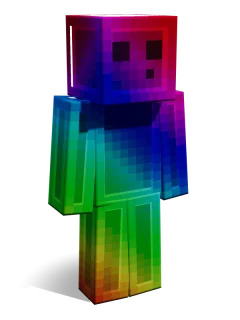
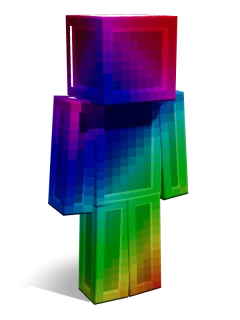
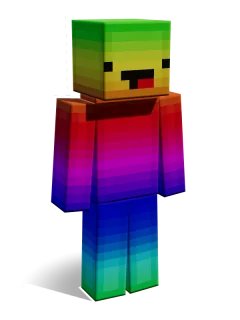
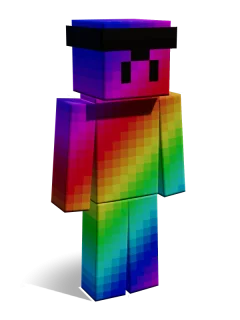
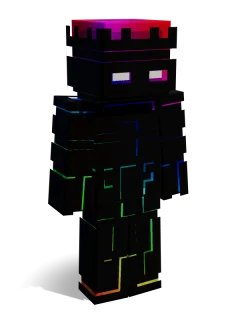
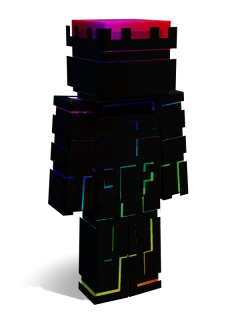
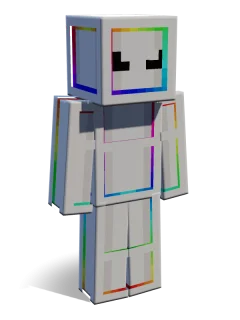
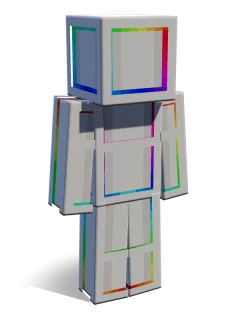
Similar skins
Phoenix skin FAQ
Which skin pack is Phoenix in?
Phoenix is one of 12 skins in the Rainbow Trends skin pack by 2-Tail Productions, on the Minecraft Marketplace. Get the Rainbow Trends pack
Is the Phoenix skin free?
Phoenix comes with the Rainbow Trends skin pack (310 Minecoins). Buy the pack once and every skin in it is yours on any device signed in with your Microsoft account.
Is Phoenix a Classic or Slim skin?
Phoenix uses the Slim (Alex, 3-pixel arms) model. Learn the difference
Can I use Phoenix on Xbox, PlayStation or Switch?
Yes. Marketplace skin packs work on every Bedrock device, including consoles: buy or unlock the pack, then equip Phoenix in the Dressing Room. How to install
What does Phoenix look like?
Phoenix looks like a spacesuit that has been splashed with neon paint, with rainbow patches across the arms, chest and legs over a pale grey base. The dark visor adds a mysterious touch to an otherwise bright outfit. It suits sci-fi roleplay, space servers and anyone who wants a loud, glitchy look. Pair it with Daisy for a bright and dark contrast.
Make your own Minecraft skin pack in minutes: add skins, preview in 3D, download a .mcpack. Free, nothing uploaded.
Make a skin pack