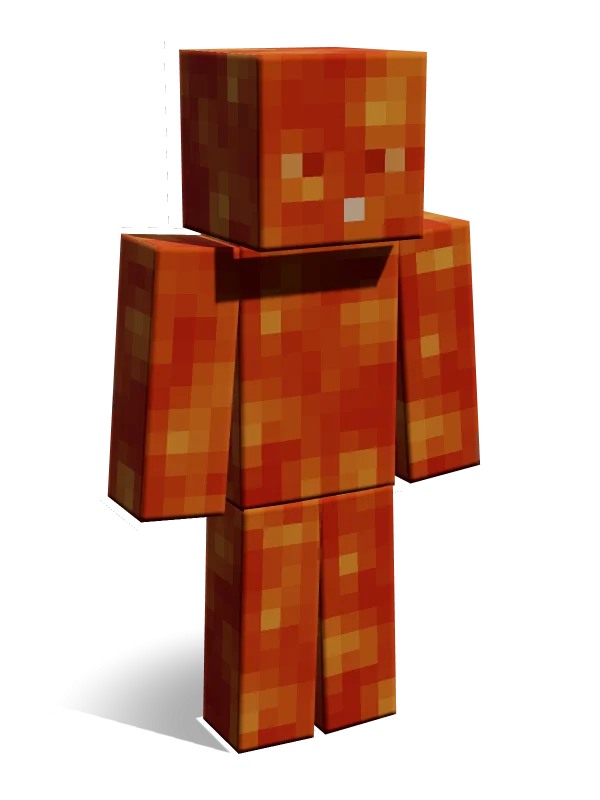
Lava
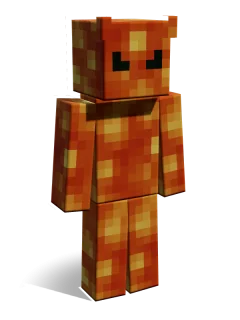
Bright Orange Molten Lava Block Skin
from Nether Camo
310 Minecoins for the whole pack
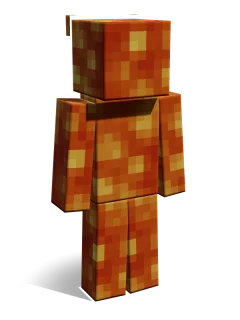
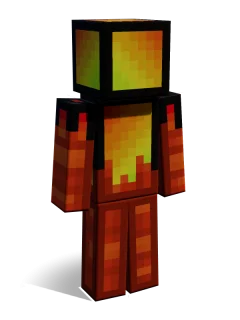
A glowing orange full-body skin textured like flowing Minecraft lava.
About this skin
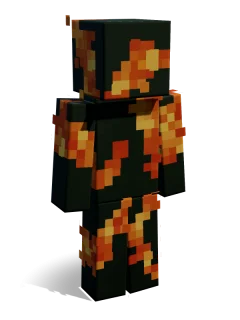
Mottled orange and yellow pixels make the whole character look like a pool of molten lava. It stands out brightly in the Nether and is fun for hide and seek, fire-themed role-play or a hot-headed lava monster. Match it with Magma Block or Glowstone for a fiery team.
| Arms | Classic |
|---|---|
| Girl/Boy | Neutral |
| Colours | Orange Yellow Red |
| Type | Object |
| Style | Minecraft Fantasy |
| Mood | Wild Cool |
| Hair | None None Hidden |
| Keywords | lava molten fire nether camouflage block skin texture skin hide and seek prop hunt |
| Added | 7 March 2023 |
Skins come with their skin pack: buy the pack once and use every skin in it, on any device with your Microsoft account.
More skins from Nether Camo
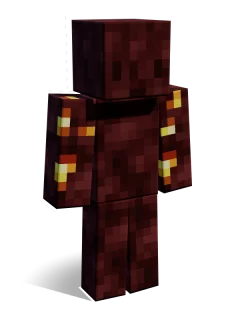
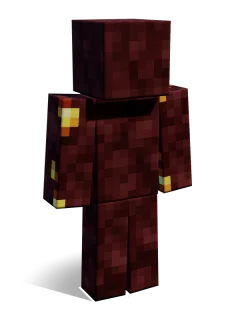
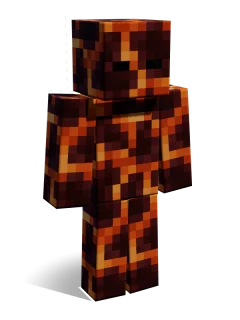
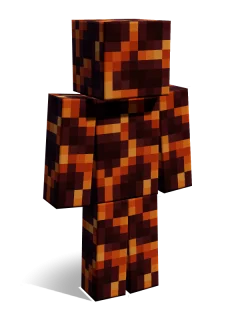
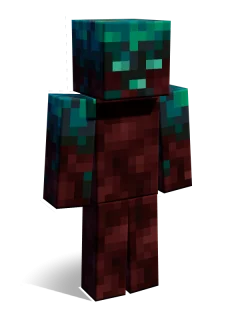
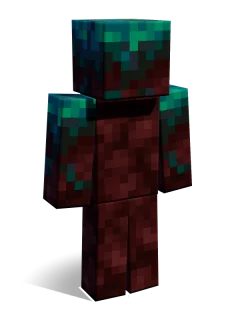
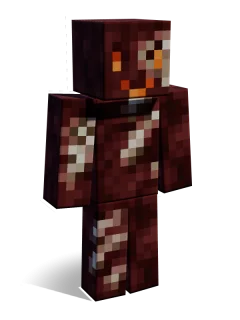
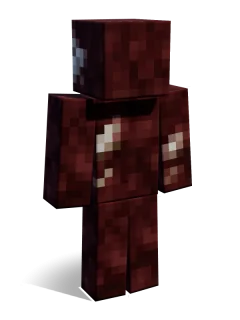
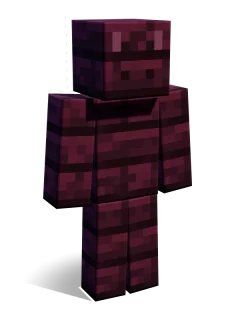
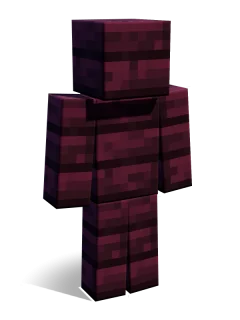
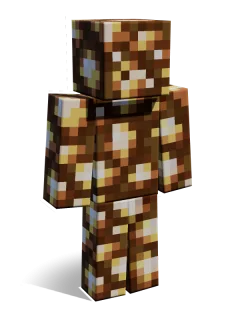
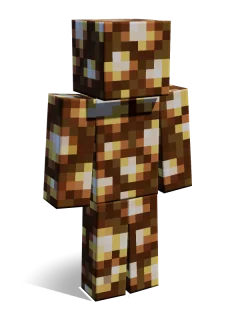
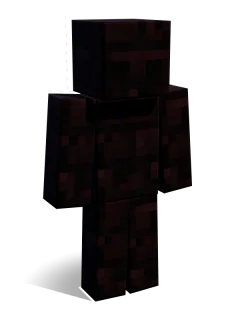
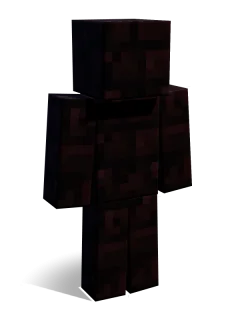
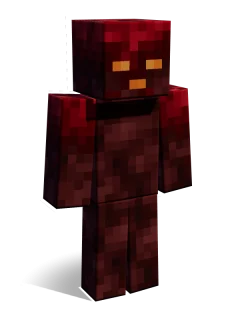
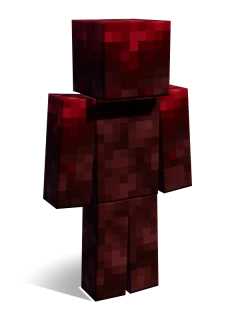
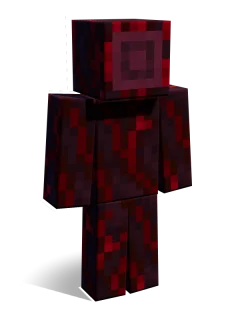
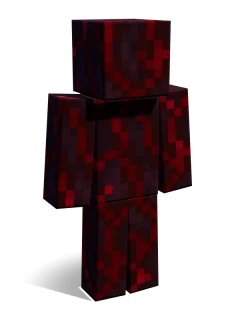
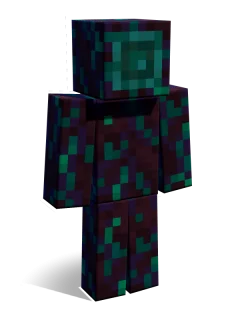
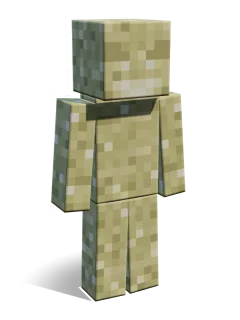
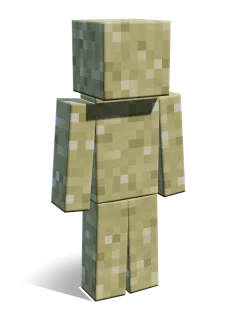
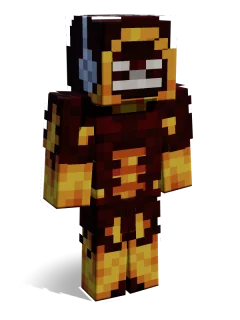
Similar skins
Lava skin FAQ
Which skin pack is Lava in?
Lava is one of 12 skins in the Nether Camo skin pack by 2-Tail Productions, on the Minecraft Marketplace. Get the Nether Camo pack
Is the Lava skin free?
Lava comes with the Nether Camo skin pack (310 Minecoins). Buy the pack once and every skin in it is yours on any device signed in with your Microsoft account.
Is Lava a Classic or Slim skin?
Lava uses the Classic (Steve, 4-pixel arms) model. Learn the difference
Can I use Lava on Xbox, PlayStation or Switch?
Yes. Marketplace skin packs work on every Bedrock device, including consoles: buy or unlock the pack, then equip Lava in the Dressing Room. How to install
What does Lava look like?
Mottled orange and yellow pixels make the whole character look like a pool of molten lava. It stands out brightly in the Nether and is fun for hide and seek, fire-themed role-play or a hot-headed lava monster. Match it with Magma Block or Glowstone for a fiery team.
Make your own Minecraft skin pack in minutes: add skins, preview in 3D, download a .mcpack. Free, nothing uploaded.
Make a skin pack